

Just as the title said. it would also be awesome of you could make comments be optional. As in when you post the image have an option that says "enable others to comment on this image" or something along those lines.
Discuss how the site can be improved. It's a new site after all.
Add comments for images.
10 years ago
MoBi
MoBi
MoBisley
Moderator
Stallion
Lives in: Ponyville, Equestria
Member since: Feb 16, 2015
10 years ago
Key
Key
keystroke

Administrator
Trans mare
Lives in: Seattle
Member since: Feb 06, 2015
Great idea, MoBi. I've seen it on a lot of social networks. One of of those things I guess I just overlooked.  Thanks.
10 years ago
SirPony
SirPony
RobUmf

Stallion
Lives in: Minneapolis
Member since: Jan 18, 2016
At the minimum, be able to add a caption to ones image, at post.
10 years ago
Key
Key
keystroke
Administrator
Trans mare
Lives in: Seattle
Member since: Feb 06, 2015
Another good idea, SirPony. Thanks! In the meantime, there is sort of a way to do it. After uploading the photo, you can find the post it automatically puts on the feed and click edit. I understand it's not the same and kind of an annoying way to do it, but just throwing it out there.
10 years ago
SirPony
SirPony
RobUmf
Stallion
Lives in: Minneapolis
Member since: Jan 18, 2016
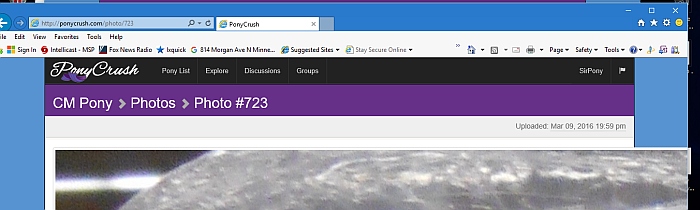 Work around, well, it works.
As of now, you have plenty of server space but you may think of maximum image size.
905 width should fit within page width and padding.
So maybe maximum image size of 1024 square would be good for this site.
10 years ago
Key
Key
keystroke
Administrator
Trans mare
Lives in: Seattle
Member since: Feb 06, 2015
It has a 100% max-width. It's Internet Explorer misbehaving again. What version you have? I'll have to put an IE hack in my CSS. 
I get this in Chrome...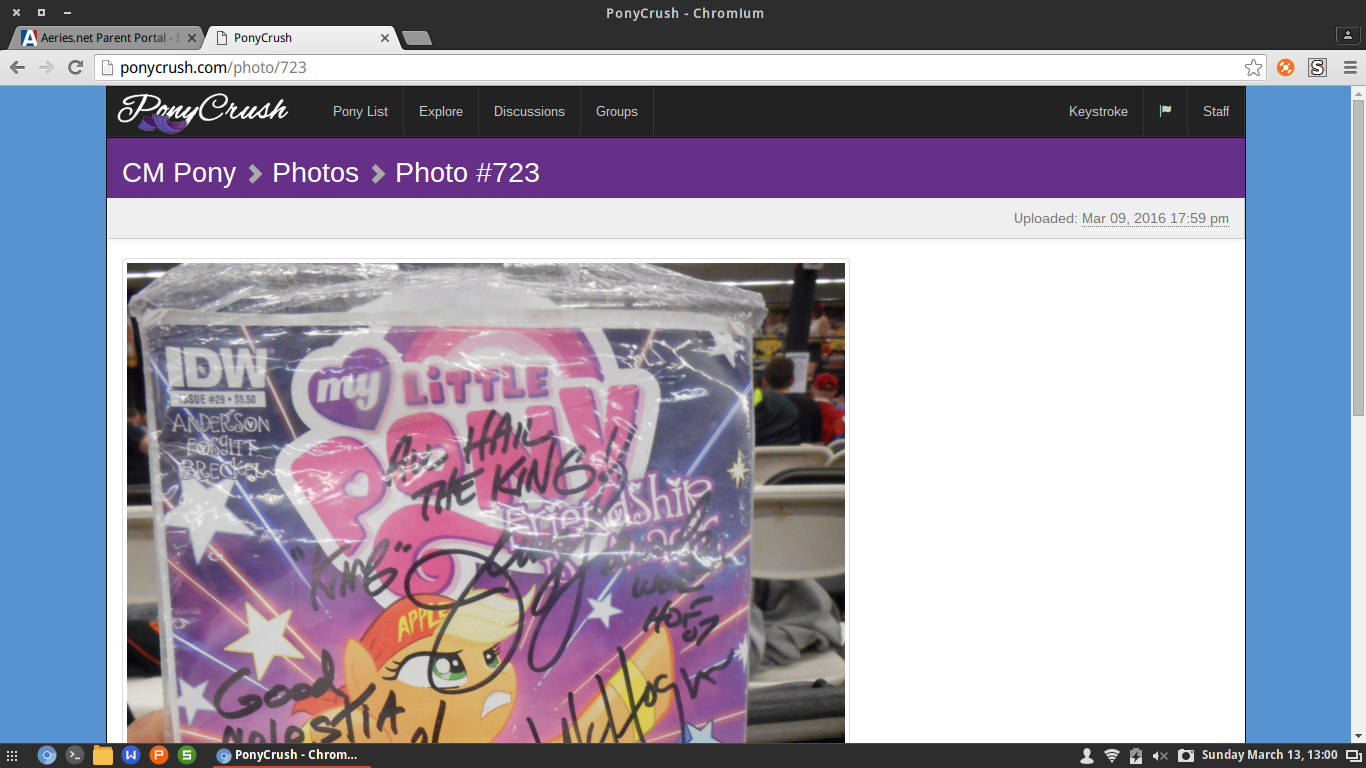
10 years ago
SirPony
SirPony
RobUmf
Stallion
Lives in: Minneapolis
Member since: Jan 18, 2016
 I usually use ie11 but it easily correct with either max. image size at upload Or upload script resize if image is bigger then x.
I type into the url to change the image.
I still need to learn masking better.
Now that is interesting, PNG transparence works here but not on dashboard.
Ah, on dashboard the PNG is converted to JPG. No need to try and animated GIF.